
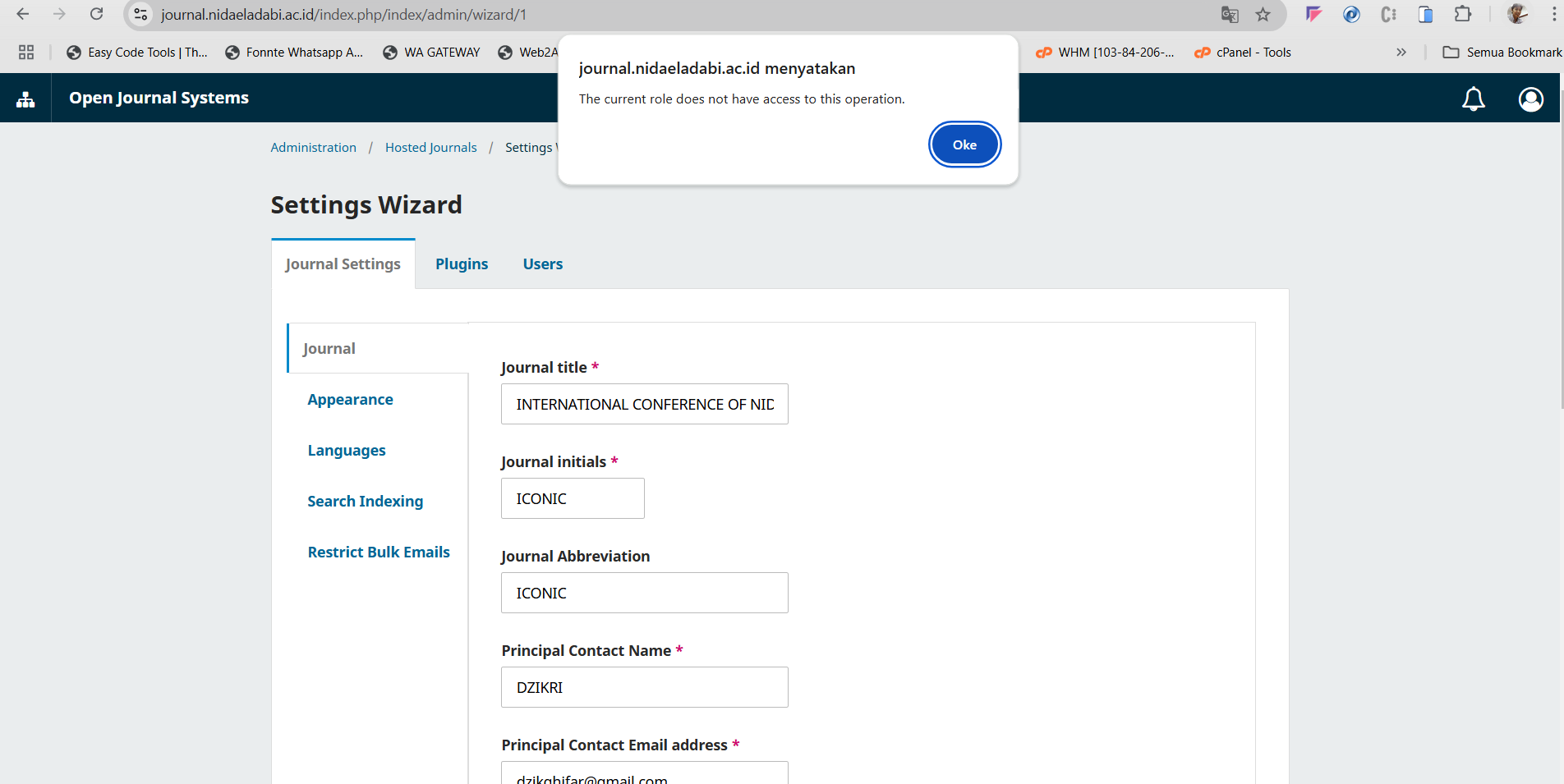
If you encounter the error message “The current role does not have access to this operation” while trying to manage users and roles in OJS 3.4.0-8, it indicates a permission-related issue.
Possible Cause:
This error is often caused by an IP restriction enabled in the configuration, which limits access based on the user’s IP address.
Solution:
To fix this, follow these steps:
- Access the cPanel:
Log in to your website’s cPanel. - Locate the
config.inc.phpFile:
Navigate to the directory where your OJS installation is located and find theconfig.inc.phpfile. - Edit the Configuration File:
- Open the file in a text editor.
- Search for the line
'session_check_ip'. - Change its value from
'On'to'Off'.
Example:
session_check_ip = Off
- Save the Changes:
Save the updated file and reload your OJS system.
This should resolve the issue, allowing you to access and manage the “Users and Roles” section without further restrictions. If the problem persists, ensure your admin account has the appropriate permissions assigned.